
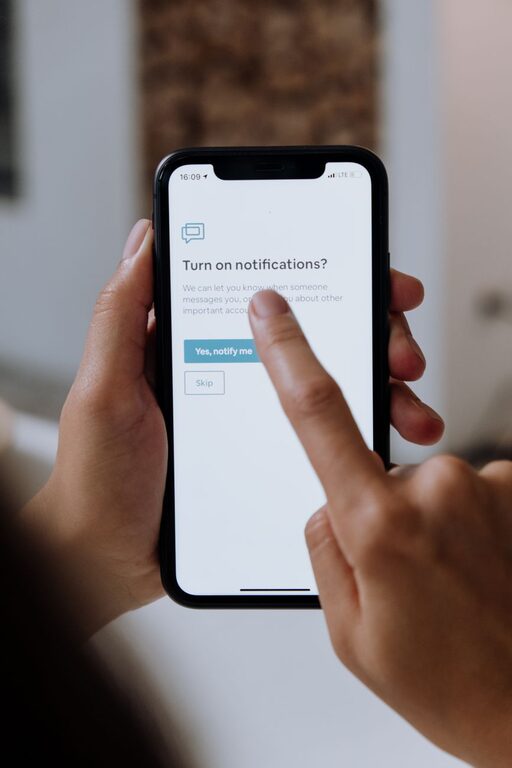
Tips for Setting Boundaries with Notifications to Boost Focus
In today’s connected world, notifications from apps, emails, and social media can quickly become overwhelming. While these alerts keep us informed, unmanaged notifications can disrupt our focus, increase stress, and make it difficult to maintain a healthy work-life balance. Setting boundaries with notifications is essential to maintain control over your time and attention.
This blog post shares practical tips to help you manage notifications effectively, improve your focus, and reclaim your day.
Why Setting Boundaries with Notifications Matters
Notifications are designed to grab your attention instantly. While helpful at times, constant interruptions can:
– Fragment your attention and reduce productivity
– Increase feelings of anxiety or overwhelm
– Interrupt important face-to-face interactions
– Blur the lines between work and personal time
By setting clear boundaries around notifications, you can create a healthier digital environment that supports your goals and well-being.
1. Audit Your Notifications
Start by reviewing all the apps and services sending you notifications.
– Go through your phone and computer notification settings
– Identify apps that send frequent or unnecessary alerts
– Decide which notifications are essential and which can be disabled
This simple audit helps you understand where your attention is being pulled and where you can cut back.
2. Customize Notification Settings
Most devices allow you to customize how and when notifications appear.
– Use “Do Not Disturb” or “Focus” modes during work or family time
– Set specific times to receive non-urgent alerts, such as social media updates
– Choose banner notifications, sounds, or vibrations according to priority
– Turn off notifications for apps that aren’t time-sensitive
Tailoring settings to your lifestyle helps you stay informed without feeling overwhelmed.
3. Set Scheduled Notification Breaks
Rather than reacting to every notification as it comes in, schedule specific times to check alerts.
– Allocate blocks of time for email and messaging replies
– Avoid checking your phone first thing in the morning or right before bed
– Use breaks between tasks to catch up on notifications
This approach minimizes distractions and keeps you focused on the task at hand.
4. Use App Features for Better Control
Many apps include built-in features to manage notifications effectively.
– Email apps may offer priority inboxes or filtered notifications
– Social media platforms often have “mute” or “pause” options
– Messaging apps allow you to mute specific chats or groups temporarily
Explore these features to fine-tune your notification experience.
5. Inform Others About Your Boundaries
Setting expectations with colleagues, friends, and family can support your notification boundaries.
– Let people know your preferred communication methods and times
– Use status messages to indicate when you are unavailable
– Encourage others to respect your notification preferences
Clear communication helps reduce pressure to respond immediately and reinforces your focus time.
6. Turn Off Non-Essential Notifications
Not all notifications require your immediate attention.
– Disable notifications from games, shopping apps, or promotional services
– Remove badges and sounds that signal low-priority alerts
– Regularly review app permissions to ensure relevance
Reducing these distractions frees up mental space and reduces notification fatigue.
7. Create Device-Free Zones
Incorporate technology-free zones or times into your day.
– Keep your phone away during meals or social gatherings
– Use an alarm clock instead of your phone to avoid early notifications
– Turn off notifications in the bedroom to improve sleep quality
These habits help you stay present and reduce the constant pull of digital interruptions.
8. Utilize Third-Party Tools
If your device settings don’t offer enough control, explore third-party apps designed to manage notifications.
– Tools like notification managers can batch alerts and deliver summaries
– Focus apps can limit app usage or block notifications during set periods
– Some apps provide insights about your notification habits to encourage mindful use
These additional tools can enhance your ability to set boundaries effectively.
Conclusion
Managing notifications doesn’t mean missing out—it means taking control over when and how you engage with digital content. By auditing your alerts, customizing settings, scheduling breaks, and communicating your boundaries, you can reduce distractions and improve your overall focus and well-being.
Start small with one or two changes, and gradually build habits that support a balanced, mindful digital lifestyle. Your attention is valuable—protect it by setting healthy notification boundaries today.
